Strapi 101
Content on the Godrej Design Lab website is managed through Strapi, a content management system (CMS).
Getting Started
To access Strapi, head to the following URL:
https://this-url-is-redacted-and-does-not-exist.xyz/
On logging in to Strapi, you'll land on the dashboard. 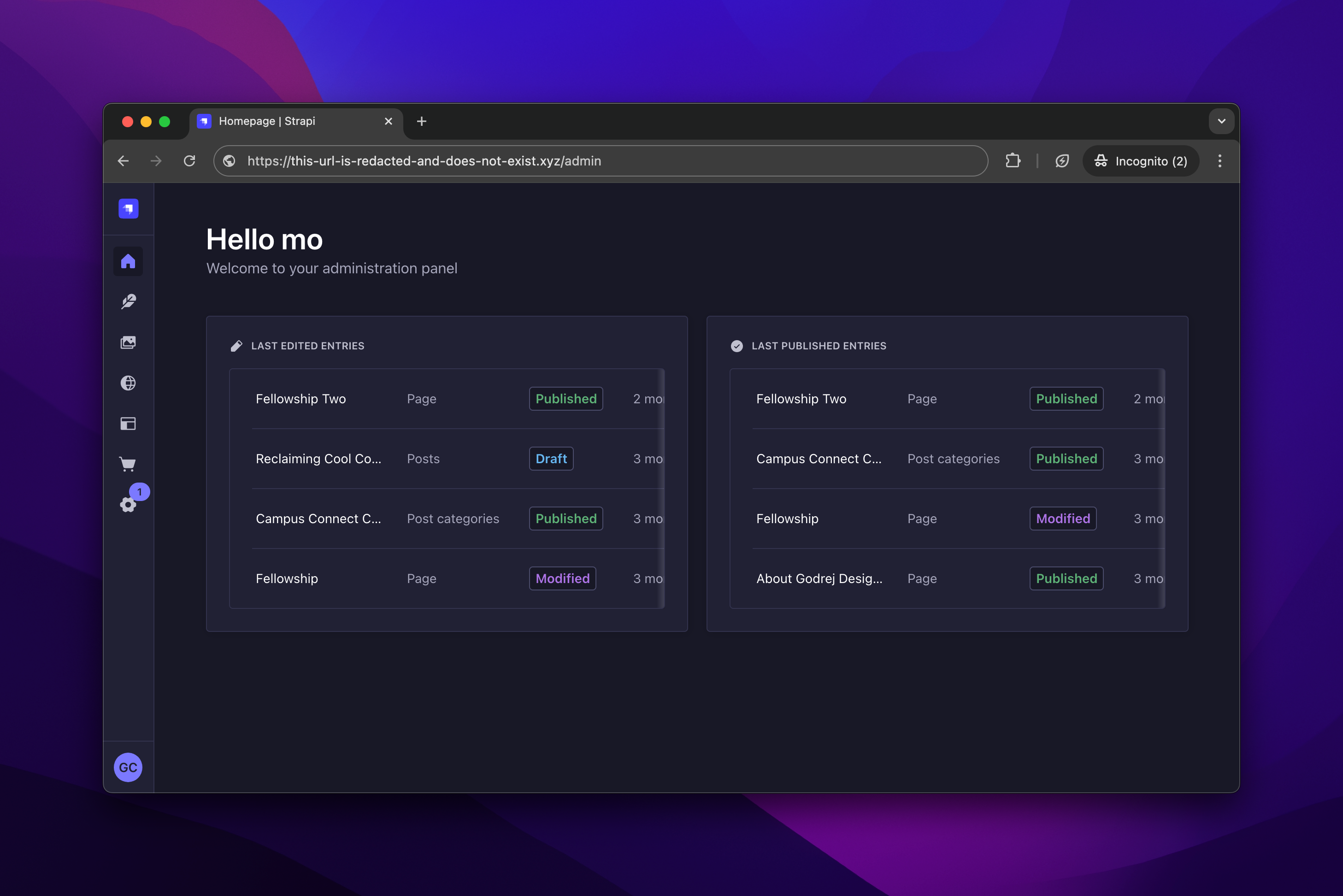
Depending on your permission level, you may see anywhere from 2 to 8 icons on the navigation bar (to the left).
The only screens you need to be concerned with are the Content Manager and the Media Library.
Content Manager
To access the Content Manager, click the quill icon (second from the top) on the navigation bar.
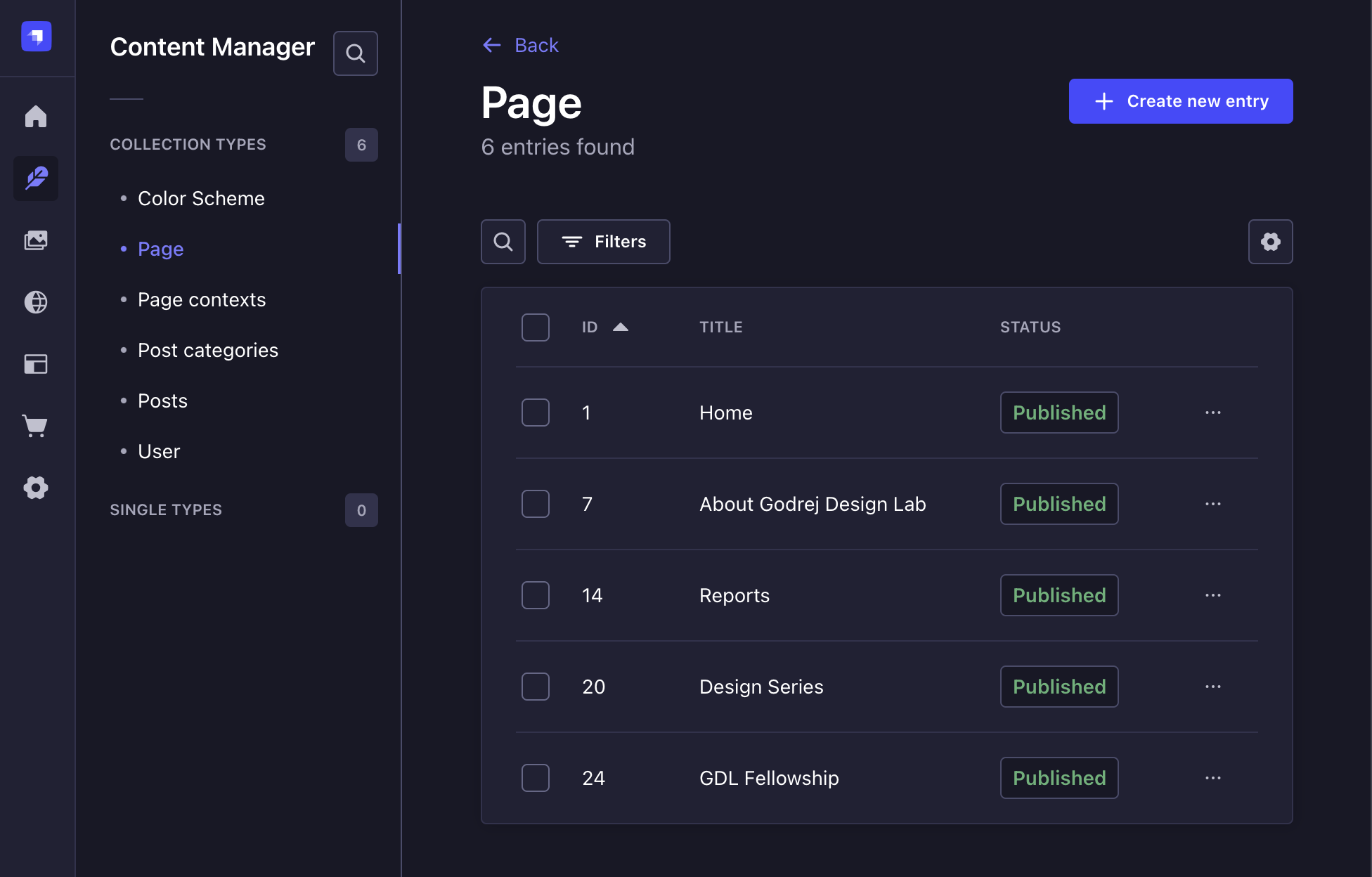
Again, depending on your permission level, you may see anywhere from 1 to 6 content types on the secondary navigation (to the left).
Content Types
Strapi has a notion of "content types".
A content type can represent anything.
In this project, we have 5 content types:
- Pages
- Posts
- Post Categories
- Page Contexts
- Color Schemes
90% of the time spent on Strapi will be around "Posts" and "Pages".
Content Authoring Guidelines
- Don’t compose content within Strapi. Do that in a text file or a Word/Google doc. Composing within Strapi puts you at risk of losing all the content you’ve written.
- When populating content into Strapi, do so in small chunks, save frequently and preview the content often. Otherwise, there’s a good chance that you’d have laid things out in the wrong layout and then will have to start over.
- Please don’t use Strapi as an archive storage for images because it does not preserve the originals.
- EXIF data gets stripped by Strapi post uploading. This means that some images may rotate. In such cases, you’ll have to pre-rotate them before uploading.
- Configuring the form field labels and field layout is fine. But they will be automatically reset whenever the code is deployed next. Hence kindly communicate these preferences and we’ll have them changed in the code.
- URL field can only take a maximum of 255 characters. Therefore, this does not work for URLs that are longer.