Page Contexts
The term "page" in "page contexts" is used in a broader sense, referring to a "web page". Page contexts are applicable to posts as well, and not just pages.
Every post and page includes a header and a footer. Alternative variations of these elements can be created and applied through different page contexts, allowing authors to change the content on the header and footer.

Page contexts go further than just the content on the header/footer. You can also configure site meta-data and include custom code as well.
To create a new page context or edit an existing one, navigate to the Page Contexts section in the Content Manager.
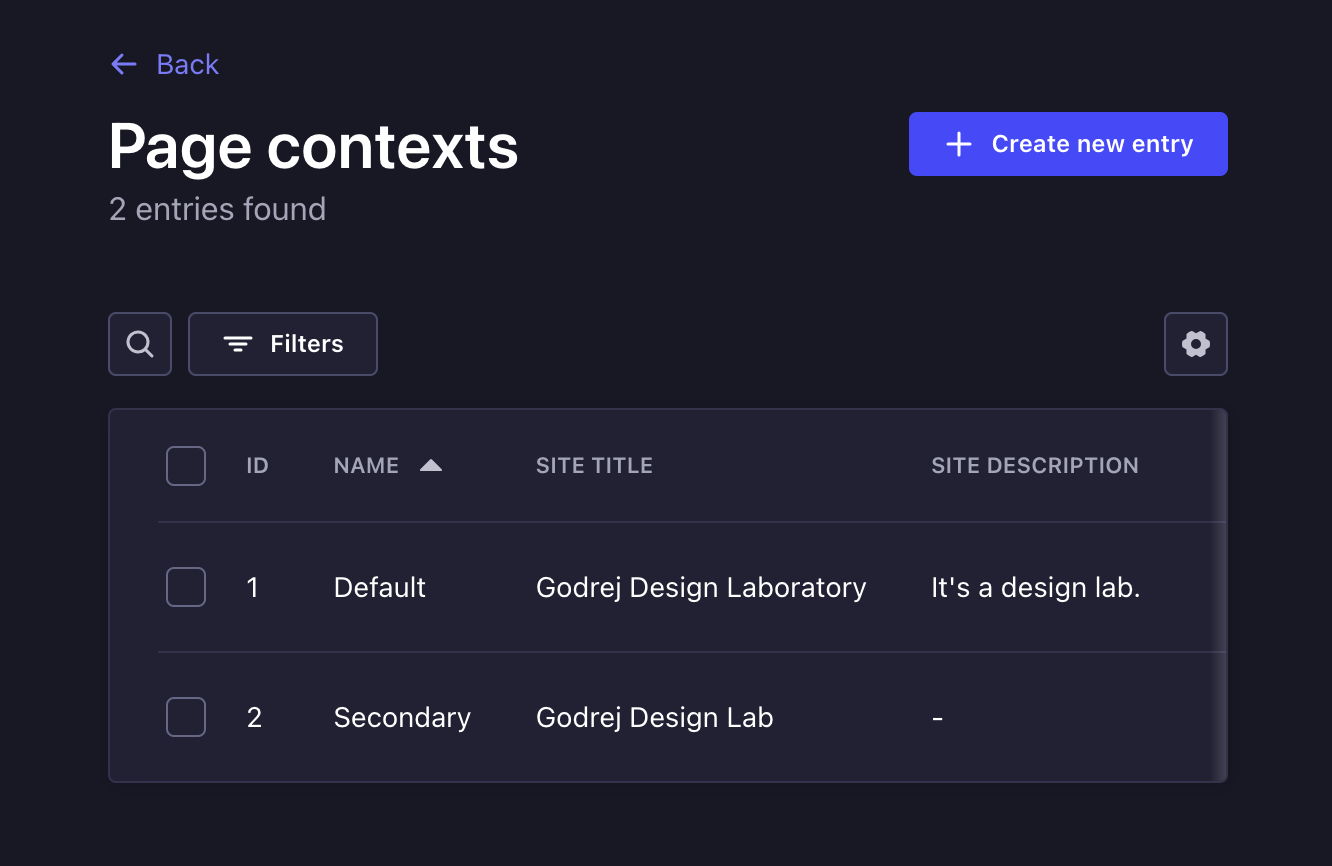
| Field | |
|---|---|
| Name | A label to identify the page context within Strapi. This has no effect on the frontend. |
| Site Title | The suffix to the document title. This factors:
 |
| Site Description | One to two lines describing the website. Visible when sharing the page on social media, and features in search engine results as well. |
| Cover | Image that gets displayed when sharing the page on social media |
| Navigation Links | A list of links that will be placed at the header and footer of the page |
| Featured Links | Another set of links that are shown at the header only |
| Footer blurb | A short piece of text describing the site. (shown at the footer) |
| Arbitrary Code | JavaScript code or links to JavaScript files for tracking, analytics and other integrations with 3rd-party services. This requires technical knowledge. Kindly reach out to tech support if this requires updating. |