Color Schemes
The website supports custom color schemes, allowing you to change the look and feel of each page.


To change the color scheme for a post or page, pick a color pair from the Color Scheme field.
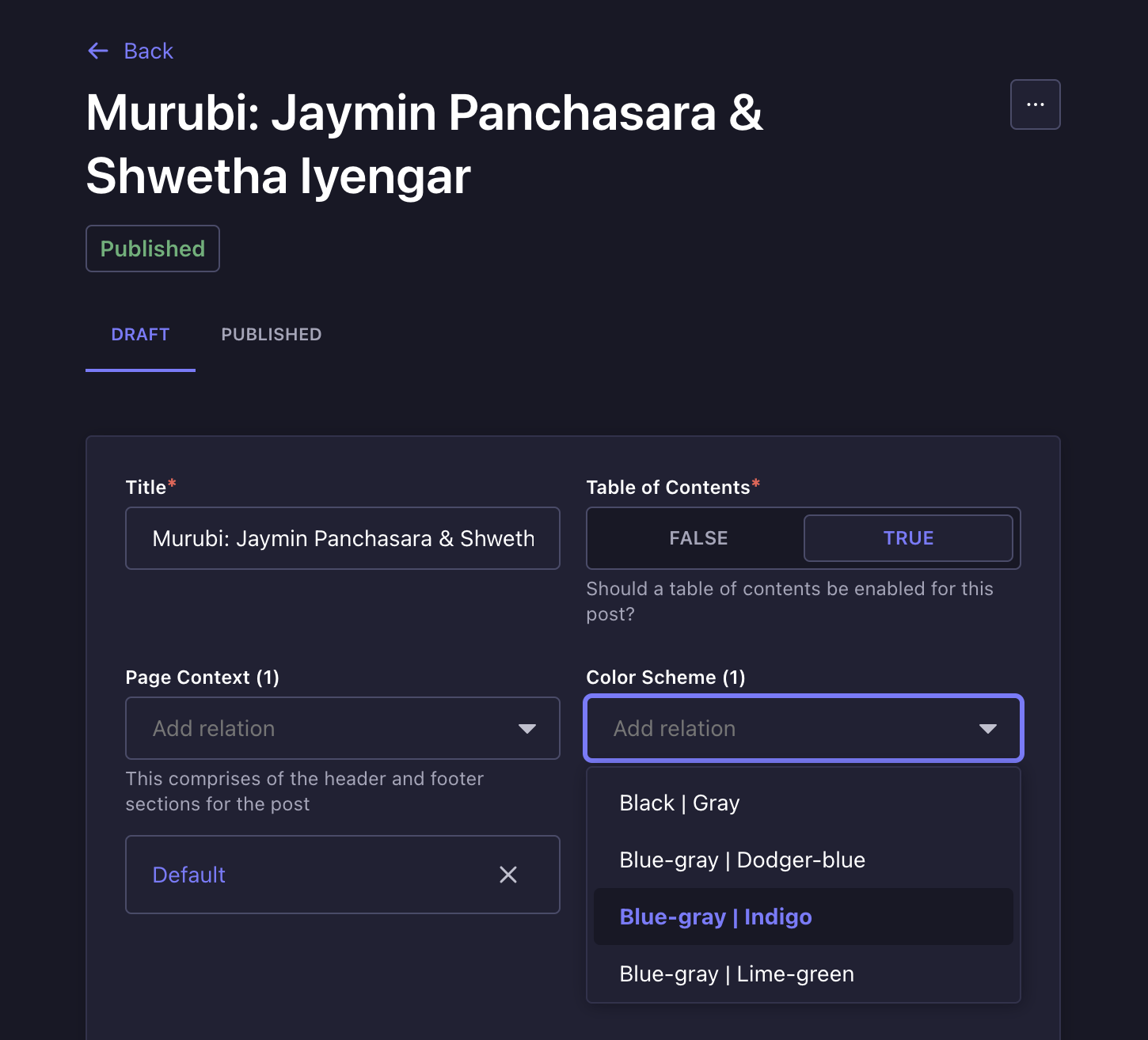
To create a new color scheme or edit an existing one, navigate to the Color Schemes section in the Content Manager.
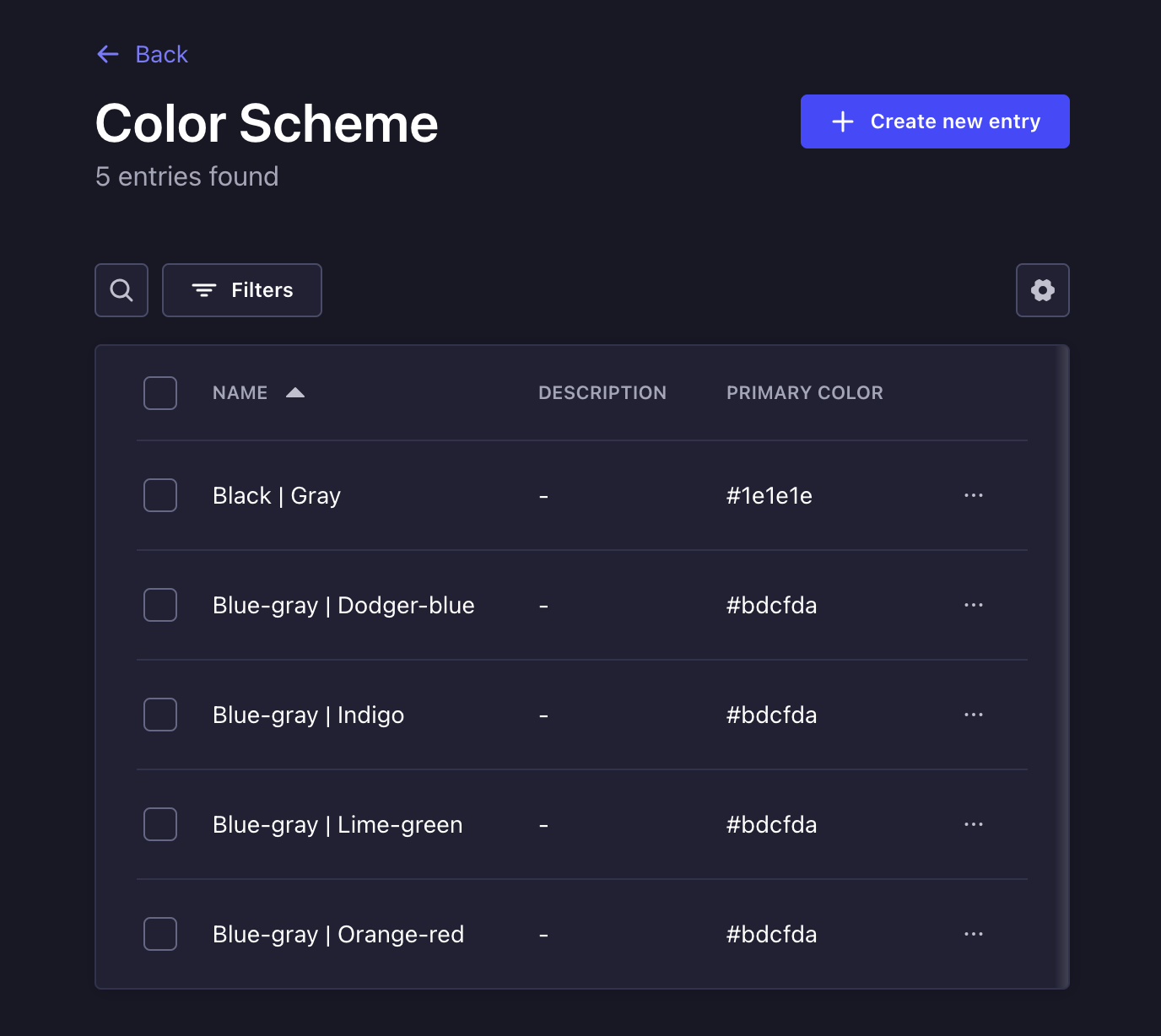
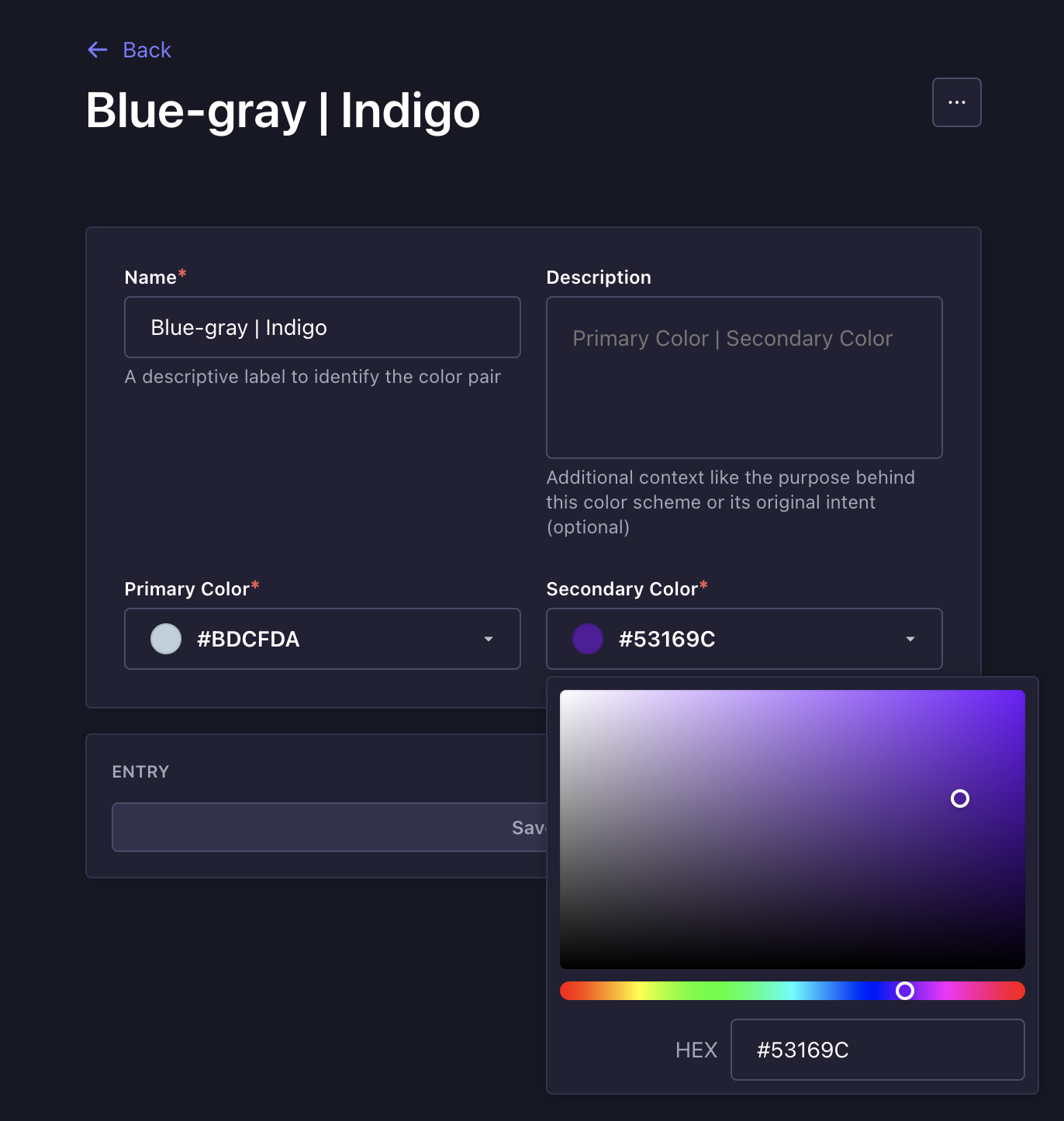
Each color scheme consists of two components — a primary and a secondary color.
Clicking on the color field will open up a dialog where you select a color, or enter a specific hex code manually.
Accessibility concerns
After creating or modifying a color scheme, be sure to preview it on a page to ensure:
- Adequate contrast between elements
- Clear and legible text
This is essential for maintaining accessibility and a consistent user experience.